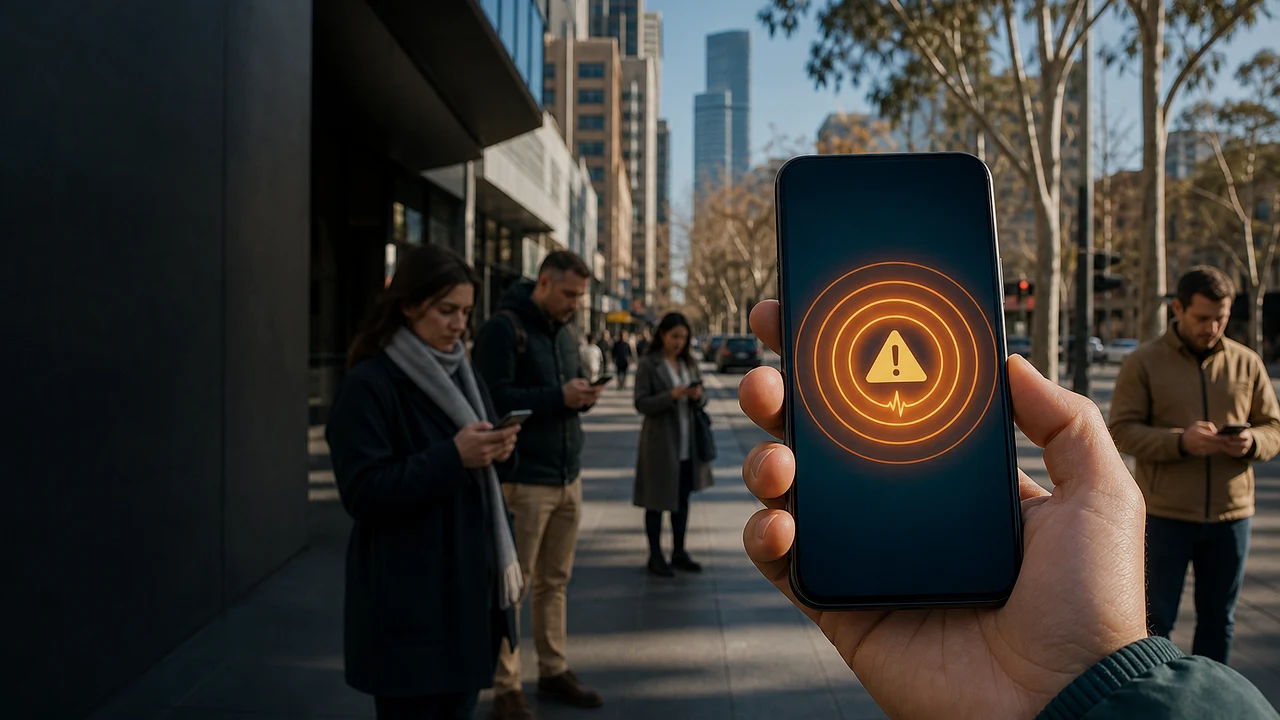
Before and after the alert
The AusAlert test in four quick answers
- What it is
- A national Critical Alert test, not an ordinary text message
- When it sounds
- 2 pm AEST, 1.30 pm ACST, noon AWST or 11 am CXT
- If the test arrives
- No action is required after checking that the message says it is a test
- If it never arrives
- Do not call emergency services; the official test requires no action
If a message does not clearly say it is the national test, read it and follow the official instructions. During a real emergency, do not assume an alert is only a test.
The AusAlert national test is on Monday 27 July
Australia will test its new national emergency warning system on Monday 27 July 2026. A test Critical Alert will be sent to compatible mobile devices across the country. The message will clearly identify itself as a test, so receiving it is not evidence that a real emergency has begun.
The Australian Government says the test is intended to check how the system performs in real conditions before AusAlert launches on 1 October 2026. Nine communities took part in local trials during June. The national test is the next step because different devices, networks, settings and locations may not all behave in exactly the same way.
What time is the AusAlert test in each state and territory?
The alert is scheduled for 2 pm AEST in the Australian Capital Territory, New South Wales, Queensland, Tasmania and Victoria. It is scheduled for 1.30 pm ACST in the Northern Territory, South Australia and Broken Hill. Western Australia is scheduled for noon AWST, while Christmas Island is scheduled for 11 am CXT.
Those clock times describe one coordinated national test. Australia uses several time zones, which is why the numbers on local clocks are different. The official guidance also allows for real-world variation: some compatible devices may receive the alert immediately, some later and some not at all.
Why did my phone make a loud warning sound even on silent?
If your device made a loud siren-like sound on 27 July and the message identified itself as the AusAlert national test, no action is required. The Australian Government scheduled the broadcast to test the new warning system before its planned launch on 1 October 2026.
The test uses the Critical Alert level, the highest of AusAlert's two warning types. A compatible device is expected to wake its screen, vibrate and play the warning sound for about 10 seconds. Critical Alerts can override silent and do-not-disturb settings.
That behaviour is deliberate. A Critical Alert is designed for a situation in which people may be in danger and need to act immediately. Priority Alerts are different: they may be silenced through device settings, while a Critical Alert cannot be opted out of in the same way. Turning a compatible device off or placing it in aeroplane mode prevents it receiving the broadcast while it remains disconnected.
AusAlert is a broadcast, not an ordinary text message
AusAlert uses cell-broadcast technology over active 4G and 5G mobile networks. Instead of preparing a list of phone numbers and sending an individual SMS to each one, an authorised warning can be broadcast through mobile towers to compatible devices in the affected area.
You do not need to register, provide a phone number or download an AusAlert app. The official system says it does not know or store your phone number, personal information or location, and it does not track your location. A device can receive an alert without a working SIM card if it is compatible and connected to a supported mobile network.
Which phones, watches and tablets are expected to receive it?
The official compatibility guide says AusAlert is expected to work on iPhone 11 and newer models running iOS 26.4 or later, Apple Watch SE2, SE3 and Series 6 or newer running watchOS 26.4 or later, and Android devices running Android 12 or later. Older Android phones and devices using other operating systems might still receive alerts.
Apple iPads are specifically listed as unable to receive AusAlerts. A model number alone is not the whole check because the operating-system version matters too. The government recommends installing current software updates and restarting the device after updating. Not receiving the test does not by itself prove that a phone is faulty.
What should you do if the test arrives or never appears?
If the message says it is the national test, no action is required. You can read it when it is safe to do so and dismiss it. Android devices may keep an emergency-alert history under Safety and Emergency settings. On an iPhone, a dismissed alert can move to Notification Centre, but it disappears if it is then swiped away.
If nothing arrives, the official advice is not to panic or call emergency services. The device may be incompatible, out of date, turned off, in aeroplane mode or outside a working connection to a mobile tower at the relevant time. The test exists partly to identify those differences. AusAlert will provide a feedback route after the test.
The same alert can sometimes appear more than once
A device may receive the same alert again while it remains active if it switches between 4G and 5G, leaves and re-enters aeroplane mode, or is turned off and on. Some devices also have a reminder setting that can replay the alert sound. A changed emergency message may be sent as a new alert.
A duplicate test message therefore does not automatically mean that two emergencies have occurred or that someone has personally selected your phone. The system is testing broadcast delivery across changing network conditions. Read the title and message before drawing a conclusion, and use the official AusAlert website to confirm current and past alerts.
What happens if the alert sounds while you are driving?
The alert may interrupt music, a podcast or navigation and may play through vehicle speakers connected by Apple CarPlay, Android Auto or Bluetooth. That sudden sound can be distracting, but mobile-phone laws and basic road safety still apply.
If you are driving or riding, stay calm and do not touch or read the device while moving. Check it only after the vehicle is stopped, turned off and it is safe and legal to do so. Public-transport passengers should follow any instructions from staff and should not approach the driver about the alert while the vehicle is operating.
Hidden phones need a different safety plan
A siren that overrides silent mode can reveal a concealed safety phone. AusAlert's dedicated family-violence guidance says a hidden device can still receive the national test and advises people to choose the option that best protects their circumstances. For a hidden device, the official test plan says to turn it off or place it in aeroplane mode one hour before the test and keep it disconnected for 24 hours after the test.
That longer hidden-device instruction is different from the general disruption advice, which says at least one hour. People concerned about immediate safety should call Triple Zero on 000. The official support information also lists 1800RESPECT on 1800 737 732 and 13YARN on 13 92 76. A public article cannot assess an individual's safety plan, so the specialised official guidance should take priority.
A real AusAlert will never ask for financial details
The government says only authorised emergency-service organisations and the Australian Government can send AusAlerts. The system will never ask for personal or financial details, does not require sign-up and does not require an app. Anything asking for payment, a password, banking information or identity documents should not be treated as part of the official warning system.
From 1 October, real messages may identify the emergency, location, severity, action to take, further information and the sending organisation. AusAlert remains only one warning channel. During a real event, people should also use local emergency websites and apps, radio, television and instructions from authorities rather than waiting for one phone message.
A five-minute checklist before Monday
Check the test time for your location, install any pending operating-system updates and restart the device. Tell children, older relatives, workers and anyone likely to be startled that the sound is expected. If you will be driving, teaching, working with animals or in another environment where a sudden siren matters, plan around the scheduled time without handling the phone unsafely.
If a hidden or concealed device is part of a personal safety plan, use the separate official safety instructions rather than the ordinary one-hour advice. Everyone else can treat the test for what it is: a loud but brief check of a system intended to carry urgent information during bushfires, floods, cyclones, public-health emergencies, biosecurity incidents and serious security threats.
Sources and further reading
- AusAlert - Prepare for the national test on 27 July 2026 ↗
- AusAlert - National test schedule and official test message ↗
- AusAlert - Compatible mobile devices ↗
- AusAlert - Priority and Critical Alert types ↗
- AusAlert - What to do when an alert arrives ↗
- AusAlert - Guidance for drivers and riders ↗
- AusAlert - Staying safe with a hidden device ↗
- NEMA - Understanding AusAlert and the national test ↗
- Australian Department of Health - Get ready for the national test ↗
This article was written for Curiosity Desk. We do not copy other publishers or invent quotes. If a material error is found, we correct it openly.
Read the full standards →One answer should lead to a better question
Bring your curiosity to the group
Curious Minds is our public Facebook community for surprising science, strange history, Australian wildlife and everyday questions. No copied posts, no personal-friend invitations and no link dumping.
- Three self-contained discussion prompts each week
- Sourced answers and honest uncertainty
- Respectful conversation without spam