First decide whether the problem is the phone, the place or the network
A phone that suddenly shows no service can point to several different problems. A broad carrier outage is one possibility, but so are planned work in one area, weak indoor coverage, a damaged SIM, a disabled mobile setting, an account issue or a fault affecting one handset. The same symbol appears on the screen even though the fixes are very different.
The useful first step is therefore diagnosis, not a factory reset. Preserve the phone as it is, note when and where the problem began, and check whether calls, texts and data have all failed or only one service. If there is an immediate threat to life or property, skip this process and attempt Triple Zero.
Open the official status checker through a different connection
Vodafone Australia's Network Status Checker is the primary place to look for planned upgrades, maintenance and known outages in an area. If mobile data is unavailable, open it through home Wi-Fi, a computer, or another phone with a working connection. Vodafone also provides a historical outage register and a way to report a connection problem.
A crowd-sourced outage graph can show that many people are reporting similar symptoms, but it cannot confirm the cause, affected services or restoration time. Treat it as an early signal rather than the final source. Check Vodafone's status page, app messages and official social accounts for a carrier statement, then record the time of any update that applies to your location.
The two-phone comparison can narrow the cause quickly
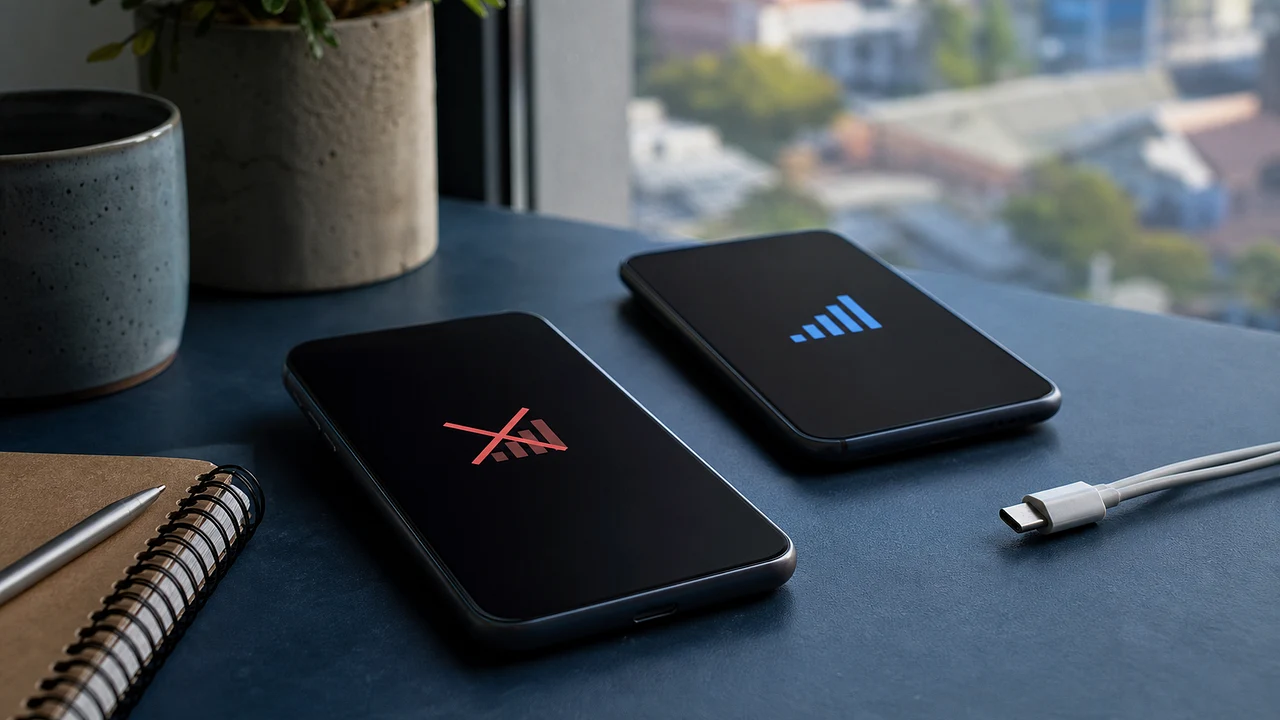
Compare another phone in the same physical place. The strongest comparison is another Vodafone service on a different handset. If both lose calls and data at the same time, a local or wider network problem becomes more likely. If the second Vodafone phone works, the first phone, SIM, account or settings deserve closer attention.
A phone on a different carrier answers a different question. If it still has service, that does not by itself prove Vodafone has a national outage, but it shows the location is not completely without mobile coverage. If several people on different carriers fail together, look for a wider power, infrastructure or local emergency issue and follow official public-safety information.
Use a low-risk reconnection sequence before changing the SIM
After checking for a known outage, confirm that flight mode is off, mobile service is enabled and the phone is set to select a network automatically. Briefly turn flight mode on and off, then restart the handset once. These actions force a fresh network registration without erasing personal data or changing the service permanently.
Do not delete an eSIM, perform a factory reset, replace network configuration profiles or copy random access-point settings from a forum unless Vodafone support has identified a device-specific reason. Those steps can create a second problem and may remove the working channel needed for support. If only one phone remains affected, use Vodafone's device guide or contact support before altering the SIM.
No bars and SOS only are clues, not complete diagnoses
The wording varies by phone, but no service or SOS only generally means the handset is not registered for normal service on its usual network. It does not reveal whether the cause sits in the carrier core, one tower, the SIM, the account or the phone. A screenshot is useful evidence, but it is not a technical incident report.
Also check whether the problem changes outdoors or after moving a short distance. A building can block signal while the network is operating nearby. Do not drive while operating the phone or travel into danger just to chase reception. If the issue follows the phone across locations while another comparable service works, report that detail to support.
Emergency calls may use another network, but never make a test call
ACMA explains that mobile emergency calls can use emergency camp-on, which allows a call to be carried by another available mobile network when the usual network is unavailable. This is why a phone may still offer an emergency-call option when normal Vodafone calls have stopped. The feature depends on a compatible phone and an available overlapping network, so it should not be treated as a guarantee in every location.
Call 000 only for an actual emergency and stay on the line. Do not call to test whether camp-on works. ACMA also says 000 and 112 cannot be contacted by ordinary text message. If an emergency call does not connect, try another available phone or fixed line and follow local emergency advice without delaying for routine troubleshooting.
Wi-Fi can be a bridge without proving the mobile network is fixed
A working Wi-Fi connection can restore internet messaging, email and access to the carrier's status page. Wi-Fi Calling may allow supported voice calls when it was already enabled and the phone, plan and internet connection support it. Success over Wi-Fi does not mean the mobile network has recovered because the call or message may be travelling over a different connection.
For important account access, use backup codes or another recovery method you set up before the outage. Do not remove multi-factor authentication in a rush simply because an SMS code is delayed. An outage is a useful reminder to store service recovery codes securely and add an alternative authentication method where the service permits it.
Australian outage communications now follow specific rules
ACMA says telcos must keep customers informed about qualifying unplanned outages and must publish information about major or significant local outages through their website and social channels. The rules distinguish a carrier-confirmed outage from individual reports and set communication duties for affected providers and their wholesale partners.
The absence of an immediate public notice does not prove that every report is wrong. Detection, classification and publication can take time, while a small fault may not meet the regulatory definition of a major or significant local outage. Keep checking the official status route, but report the fault if your service remains unusable rather than waiting indefinitely for a national headline.
A refund is possible in some cases, not automatic after every dropout
ACMA says a minor, short outage will probably not produce compensation or a refund. Some contracts allow a rebate for a major outage that the customer did not cause, and a provider may make a voluntary offer. Australian Consumer Law rights are separate from the contract and may become relevant when outages are frequent or major.
The amount of any remedy depends on the circumstances. Keep the outage dates and times, screenshots of official notices, support conversations, bills and evidence of a specific loss. Do not inflate a claim or assume every inconvenience is compensable. Ask the provider what remedy it proposes and how it calculated that outcome.
Turn an unresolved support conversation into a recorded complaint
If the service remains unusable or the impact is serious, tell Vodafone clearly that you want the matter recorded as a complaint. Explain what failed, when it began, where it occurred, which checks you completed, how it affected you and what resolution you want. Ask for the complaint reference number and expected response time.
Australian complaint rules require telcos to acknowledge and handle complaints within defined timeframes, with faster treatment for urgent complaints. If Vodafone does not resolve the matter fairly, the Telecommunications Industry Ombudsman can help residential and eligible small-business consumers with faults, dropouts, mass disruptions and compensation disputes. The TIO normally requires you to try the telco first, so keep the reference number.
Small businesses need a continuity plan before the next outage
A mobile outage can interrupt card terminals, delivery apps, staff calls, SMS sign-ins and customer messages at the same time. A practical continuity plan identifies which tasks rely on one carrier, which can move to fixed internet or Wi-Fi, and how staff will record transactions safely when a cloud service is unavailable.
Options may include a secondary connection on a genuinely different network, offline procedures approved by the payment provider, printed emergency contacts and securely stored authentication recovery codes. Test the plan during normal operations rather than improvising during an outage. Buying a second service on a different brand does not create redundancy if both ultimately depend on the same underlying network.
Use this five-minute order of operations
First, deal with any real emergency. Second, note the time, place and affected functions. Third, use another connection to check Vodafone's official status page and messages. Fourth, compare a second phone in the same place. Fifth, try flight mode once and restart once. If one device still fails, contact support before deleting an eSIM or resetting the phone.
For a continuing or repeated problem, report the fault, preserve evidence and request a complaint reference. Ask about a rebate based on the actual impact rather than assuming one is automatic. Escalate an unresolved complaint to the TIO. This sequence protects your data, gives support better evidence and avoids turning a carrier problem into a damaged phone setup.
Sources and further reading
- Vodafone Australia - Network Status Checker ↗
- Vodafone Australia - Service support and contact options ↗
- ACMA - Mobile outages and what to check ↗
- ACMA - Rules for significant and major outages ↗
- ACMA - Emergency calls and Triple Zero ↗
- ACMA - How telcos must handle complaints ↗
- Telecommunications Industry Ombudsman - Help with fault issues ↗
- Telecommunications Industry Ombudsman - How to work with your telco ↗
This article was written for Curiosity Desk. We do not copy other publishers or invent quotes. If a material error is found, we correct it openly.
Read the full standards →One answer should lead to a better question
Bring your curiosity to the group
Curious Minds is our public Facebook community for surprising science, strange history, Australian wildlife and everyday questions. No copied posts, no personal-friend invitations and no link dumping.
- Three self-contained discussion prompts each week
- Sourced answers and honest uncertainty
- Respectful conversation without spam